



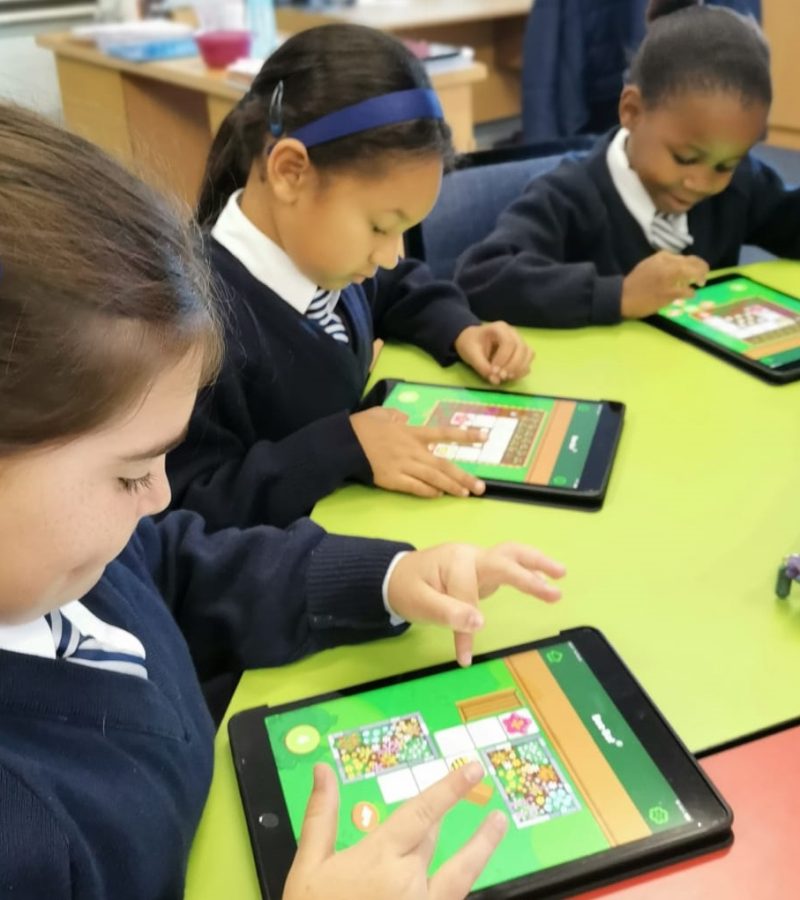


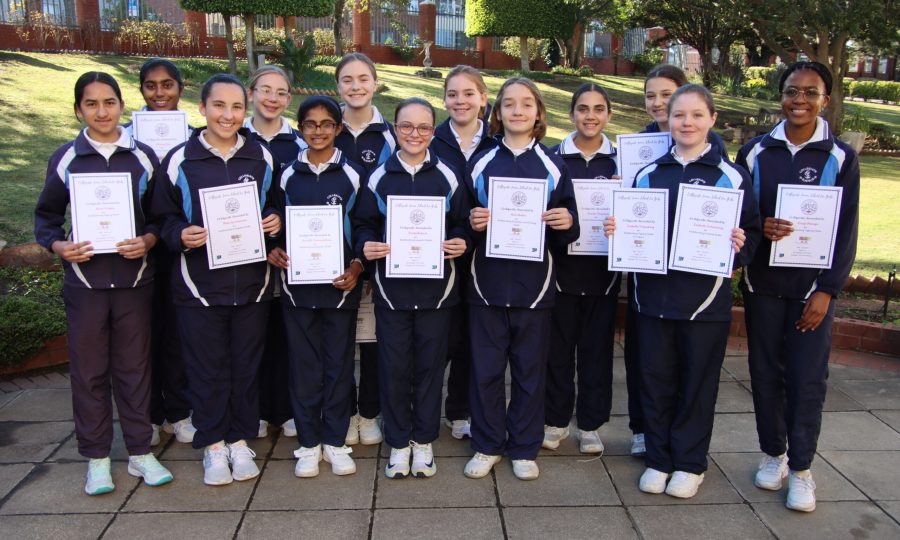
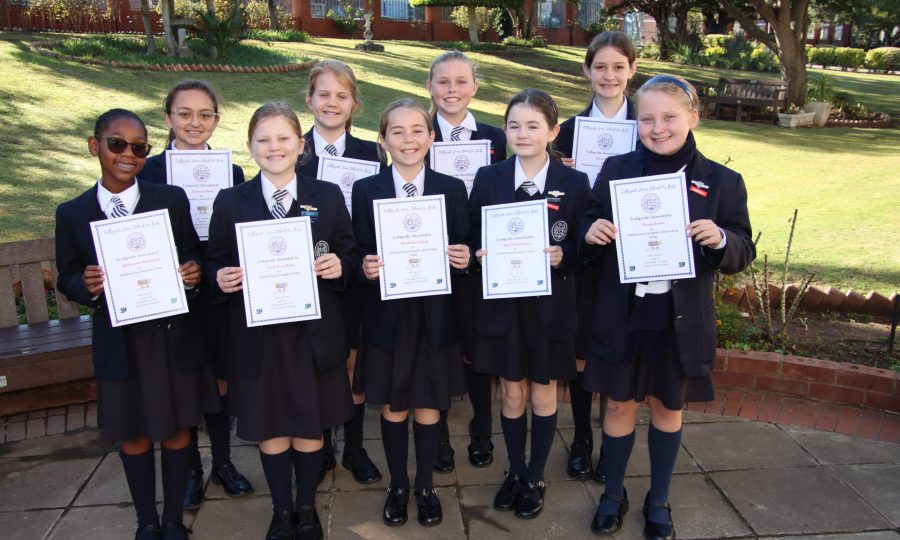

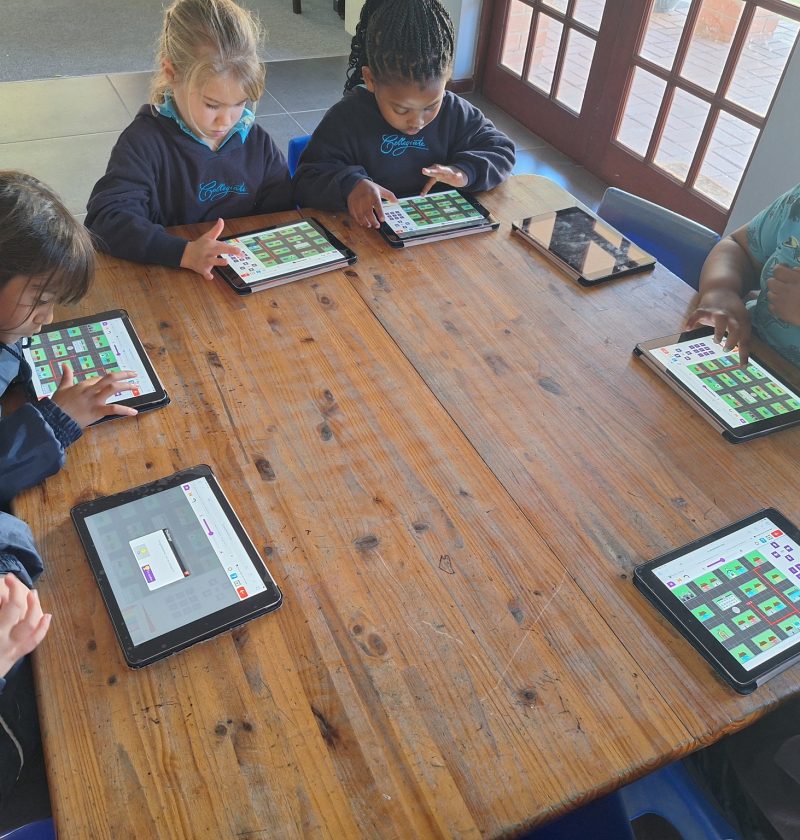

Our school has a fully equipped ICT lab featuring desktop PCs, laptops, and a bank of iPads. These resources support a structured technology curriculum across the early learning grades:
ICT Program Overview – Pre-Primary to Grade 2
Pre-Primary
- Device Used: iPads
- Frequency: One lesson per week
- Instructor: Mrs. Mani
- Software: Purple Mash and the BeeBot Coding App
- Focus: Early digital literacy and foundational ICT skills using interactive tools on the iPad.
Grades 1 and 2
- Devices Used: PCs, iPads, Laptops
- Instructors: Mrs. Mani (Computer Skills) & Ms. Rademeyer (Coding)
- Software and Tools:
- Purple Mash – For general computing and creative ICT tasks
- Scratch Junior – For beginner coding using visual programming
- BeeBot App – For early computational thinking and problem-solving through robotics simulation
Goals of the Program:
- Build foundational digital literacy
- Encourage creativity and independent exploration with technology
- Introduce basic coding concepts in a playful, age-appropriate manner
- Support curriculum integration through interactive digital tools.
ICT Program Grade 3-7
Educator: Mrs Mala
Here’s a structured overview of the ICT Lessons, organized by topic and activities:
Processing (Microsoft Word)
- Typing and Formatting Text:
- Create a new Word document.
- Type in information.
- Format text (font style, size, color, bold, italic, underline).
- Using Shapes Tool:
- Insert and arrange shapes to create simple pictures.
- Fill shapes with colors to enhance visual appeal.
Spreadsheets (Microsoft Excel)
- Colour Fill Tool:
- Use Excel cells to create pixel art by filling individual cells with color.
Presentations (Microsoft PowerPoint)
- Creating a Slide Show:
- Design slides with text, images, and transitions.
- Learn basic presentation skills for onscreen display.
Digital Art (Paint Program)
- Drawing with Text:
- Create pictures using drawing tools.
- Add text captions or labels to images.
Research and Fact Sheets
- Basic Research Skills:
- Read and gather information from texts or digital sources.
- Summarize findings in a fact sheet format.
Purple Mash Activities
- Typing Practice:
- 2Type – improve keyboarding speed and accuracy.
- Visual Organisers:
- Create mind maps or charts to represent ideas.
- Coding and Animation:
- Minotaurs Maze – problem-solving with coding concepts.
- 2Code – develop logic and programming skills.
- 2Animate – design a cartoon animation.
- Creative Writing and Design:
- Story with a Twist – rewrite fairy tales like Goldilocks and the 3 Bears.
- Design a Brochure – create an informational or promotional brochure.
Computational Thinking
- Unplugged Coding Worksheets:
- Explore concepts like algorithms and logical sequencing.
- Develop problem-solving strategies without using a computer.
Use of Scratch Coding App
Scratch is a visual programming language that allows students to create their own interactive stories, games, and animations using blocks of code. The Scratch App is a great tool for introducing young learners to coding concepts in a fun and creative way.
Using the Scratch App
 Learning Objectives:
- Understand basic coding concepts: sequence, loops, and events.
- Develop logical thinking and problem-solving skills.
- Create and debug simple programs.
- Express creativity through storytelling and game design.
 Core Skills and Activities:
- Getting Started with Scratch
- Introduction to the interface: Stage, Sprites, Code Blocks, and Backdrops.
- Moving a sprite using motion blocks.
- Adding sound and simple animations.
- Create an Animated Story
- Choose characters (sprites) and a background.
- Use dialogue (speech bubbles) to tell a short story.
- Add movement and sound effects.
- Make a Simple Game
- Use events (e.g., when green flag clicked).
- Add controls (arrow keys or mouse clicks).
- Create a scoring system or end-of-game condition.
- Example: Maze game, catch-the-object, or quiz game.
- Use of Loops and Conditions
- Repeat blocks for movement or animation.
- If/then blocks for decision-making (e.g., “If sprite touches edge, bounce”).
- Character Design and Customization
- Modify existing sprites or draw new ones.
- Change costumes for animation effects.
Computer lessons for children are increasingly important in today’s digital age:
- Digital Literacy: Children learn basic computer operations, typing, and how to navigate digital environments. These are foundational skills for modern education and work. Keyboard mastery is emphasised, and the learners have an opportunity to compete during timed challenges using the Purple Mash software activities.
- Future Career Readiness: Most careers now involve some level of computer use. Early exposure helps children build the technical skills they’ll need for jobs in fields like science, engineering, design, and even healthcare or business.